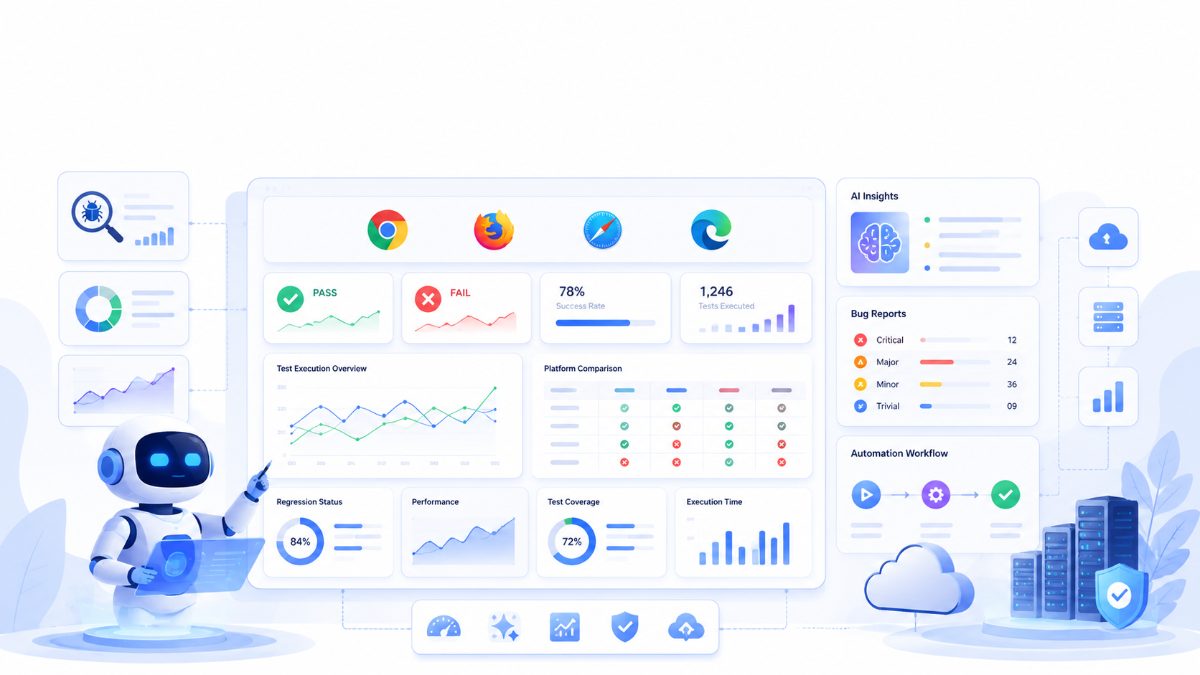
Cross Browser Testing with AI: Faster Testing Across Chrome, Firefox, Safari & Edge
A website that works perfectly in Chrome may behave differently in Firefox, Safari, or Microsoft Edge. Differences in rendering engines, browser updates, CSS implementations, and JavaScript execution can create inconsistent user experiences.
For modern software teams, ensuring consistent behavior across browsers is no longer optional. It is a critical part of delivering reliable web applications.
Traditional cross browser testing often involves maintaining multiple automation scripts, running tests across different environments, and manually investigating browser-specific issues. As applications grow, this process becomes increasingly time-consuming.
Artificial Intelligence is helping QA teams simplify cross browser testing by improving automation, reducing maintenance, and providing smarter insights into browser compatibility.
In this guide, we'll explore what cross browser testing is, why it matters, how AI improves the process, and best practices for building reliable browser testing strategies.
---
What is Cross Browser Testing?
Cross browser testing verifies that a website or web application behaves consistently across different browsers and operating systems.
The goal is to ensure users receive the same functionality and experience regardless of the browser they choose.
Common browsers include:
- Google Chrome
- Mozilla Firefox
- Apple Safari
- Microsoft Edge
Depending on your audience, mobile browsers may also be included in your testing strategy.
---
Why Cross Browser Testing is Important
Every browser uses a different rendering engine.
For example:
- Chrome and Edge use Chromium.
- Firefox uses Gecko.
- Safari uses WebKit.
These engines interpret HTML, CSS, and JavaScript differently, which can lead to inconsistencies such as:
- Layout issues
- Broken forms
- JavaScript errors
- Font rendering differences
- CSS compatibility problems
- Performance variations
Without cross browser testing, these issues may only be discovered after users report them.
---
Challenges with Traditional Cross Browser Testing
Many QA teams still rely on manual testing or script-heavy automation.
Common challenges include:
- Maintaining separate browser configurations.
- Updating automation scripts after UI changes.
- Running lengthy regression suites.
- Managing browser versions.
- Investigating flaky tests.
As applications become larger, these challenges increase maintenance costs and slow software releases.
---
How AI Improves Cross Browser Testing
Artificial Intelligence helps QA teams focus on software quality rather than repetitive maintenance.
Modern AI-powered testing platforms can assist with:
Intelligent Test Execution
Execute the same test across multiple browsers with minimal manual effort.
Smart Regression Detection
Identify browser-specific regressions automatically.
Visual Validation
Detect layout changes, broken UI elements, and rendering issues.
AI-Powered Reports
Summarize failures with screenshots, logs, and actionable insights instead of simply reporting pass or fail.
Reduced Maintenance
AI-assisted workflows can help minimize repetitive script updates caused by UI changes.
---
Best Practices for Cross Browser Testing
Successful browser testing strategies include:
- Prioritize browsers based on user analytics.
- Test critical user journeys first.
- Automate repetitive scenarios.
- Include responsive testing.
- Validate forms, navigation, and checkout flows.
- Monitor browser updates regularly.
- Review accessibility across browsers.
Combining these practices with AI-assisted automation helps teams improve coverage while reducing manual effort.
---
Cross Browser Testing with RoboQA
RoboQA helps QA teams simplify browser testing through AI-assisted automation.
Key capabilities include:
- Browser testing
- Functional testing
- Journey testing
- AI-assisted bug detection
- Intelligent reports
- Visual validation
- Regression testing
- Browser compatibility testing
Instead of maintaining separate automation workflows for every browser, teams can focus on validating software quality while RoboQA assists with execution and reporting.
---
Conclusion
Cross browser testing remains one of the most important aspects of modern web quality assurance.
As web applications become more sophisticated, traditional browser testing alone becomes increasingly difficult to maintain.
Artificial Intelligence helps reduce repetitive work, improve browser compatibility testing, and provide smarter insights into software quality.
By combining proven testing practices with AI-assisted automation, QA teams can release reliable software faster while delivering a consistent user experience across every browser.
FAQ
What is cross browser testing?
Cross browser testing verifies that a website functions correctly across different browsers such as Chrome, Firefox, Safari, and Microsoft Edge.
Why is browser compatibility testing important?
Different browsers render websites differently. Testing helps ensure a consistent user experience for all users.
Can AI automate cross browser testing?
AI can assist with executing tests, identifying browser-specific issues, reducing maintenance, and generating intelligent reports.
Which browsers should be tested?
Most organizations prioritize Chrome, Firefox, Safari, and Microsoft Edge based on their user analytics and target audience.
#Ready to simplify cross browser testing?
Discover how RoboQA helps QA teams execute browser tests across Chrome, Firefox, Safari, and Edge with AI-assisted automation, intelligent reporting, and faster regression testing.
📚 Related Reading
If you enjoyed this article, you may also like:
- 🤖 [Top AI Software Testing Tools in 2026](https://www.roboqa.tech/blog/top-ai-software-testing-tools-2026)
- ⚡ [Selenium Alternatives in 2026](https://www.roboqa.tech/blog/selenium-alternatives-2026)
- 💻 [Browser Testing Guide](https://www.roboqa.tech/blog/browser-testing-guide)
- 🤖 [AI Browser Testing](https://www.roboqa.tech/blog/ai-browser-testing)
- ✅ [Functional Testing Guide](https://www.roboqa.tech/blog/functional-testing-guide)