Top AI Software Testing Tools in 2026: Features, Pricing & Comparison
Software testing is evolving faster than ever before. With shorter release cycles, continuous deployment, and increasingly complex applications, traditional testing methods alone are no longer enough for many teams.
Artificial Intelligence is now helping QA teams automate repetitive work, reduce maintenance, improve browser testing, and generate smarter insights.
Instead of spending hours maintaining automation scripts, teams can now focus on delivering higher-quality software.
But with dozens of testing platforms entering the market, choosing the right AI software testing tool can be challenging.
In this guide, we'll compare the leading AI software testing tools in 2026, discuss their strengths, and help you understand which solution is best suited for your organization.
---
Why AI Software Testing Matters
Traditional automation frameworks have transformed software testing over the past decade. However, they also introduced several ongoing challenges:
- Test maintenance becomes expensive.
- Small UI updates break locators.
- Regression suites grow slower over time.
- Engineers spend more time fixing automation than creating new tests.
- Writing automation requires programming knowledge.
AI addresses many of these issues by assisting testers throughout the testing lifecycle.
Modern AI testing platforms can:
- Generate intelligent test cases
- Identify UI regressions
- Execute browser tests
- Detect visual issues
- Produce meaningful reports
- Reduce repetitive maintenance
- Improve testing productivity
Rather than replacing QA engineers, AI helps them spend more time validating software quality instead of maintaining automation.
---
What Makes a Great AI Testing Tool?
Not every platform offers the same capabilities. Before selecting an AI testing solution, consider these factors:
Ease of Use
Can manual testers create tests without extensive coding?
AI Capabilities
Does the platform use AI for test generation, analysis, or maintenance?
Browser Support
Can it execute tests across Chrome, Firefox, Safari, and Microsoft Edge?
Reporting
Does it provide screenshots, logs, bug summaries, and actionable insights?
Scalability
Can it support growing applications and enterprise-level regression suites?
---
Top AI Software Testing Tools in 2026
1. RoboQA
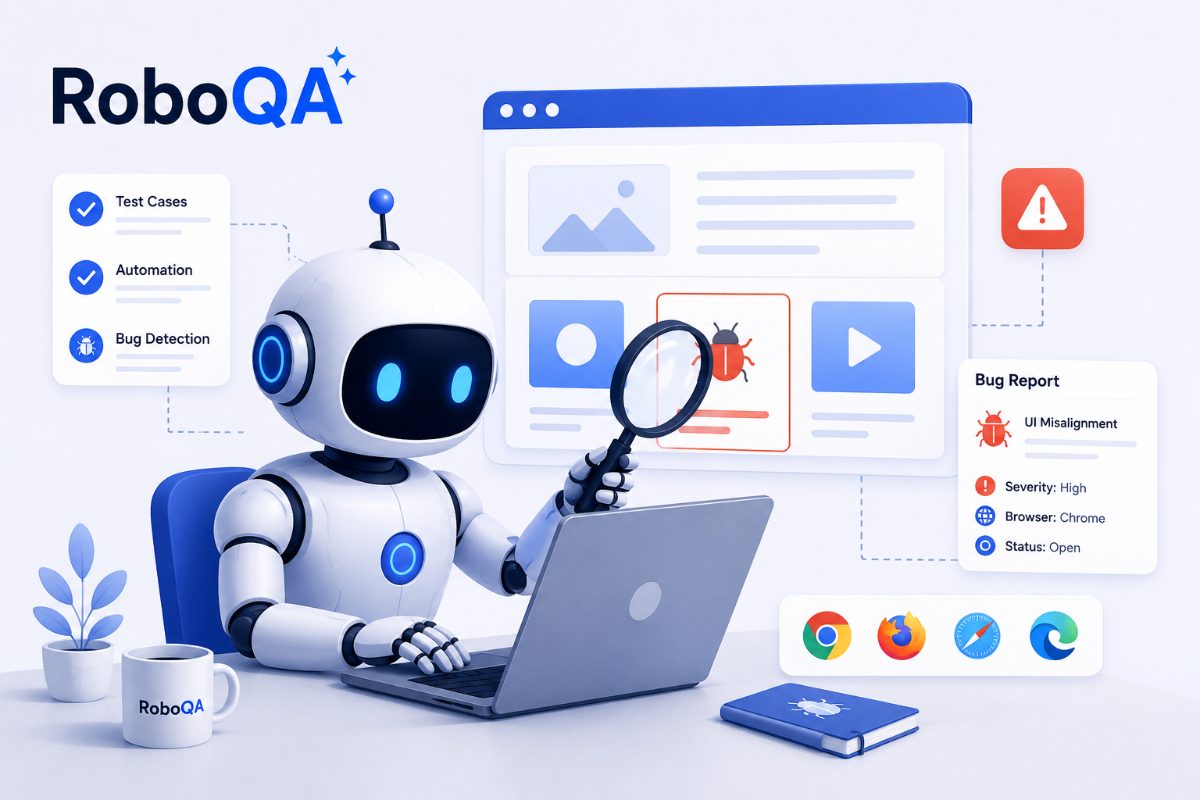
RoboQA is an AI-powered browser testing platform designed to simplify software quality assurance through intelligent automation.
Key capabilities include:
- Browser testing
- Functional testing
- Journey testing
- AI-assisted bug detection
- Intelligent reports
- Performance insights
- Low-code workflows
RoboQA is particularly suited for teams looking to reduce manual effort while improving testing efficiency.
---
2. Selenium
Selenium remains one of the most widely used open-source automation frameworks.
Advantages:
- Large community
- Flexible programming support
- Strong ecosystem
Challenges:
- Requires coding
- Locator maintenance
- Flaky tests
- Steeper learning curve
---
3. Playwright
Playwright provides modern browser automation with excellent reliability and multi-browser support.
Strengths include:
- Fast execution
- Chromium, Firefox, and WebKit support
- Modern APIs
- Strong developer adoption
---
4. Cypress
Cypress is popular among frontend development teams because of its fast feedback loop and excellent debugging capabilities.
It works particularly well for JavaScript-heavy applications.
---
Comparing AI Testing Platforms
When evaluating testing tools, focus on the problems you're trying to solve rather than simply comparing feature lists.
For startups, ease of use and rapid test creation may be the highest priority.
For enterprises, scalability, reporting, and integration with existing CI/CD pipelines often become more important.
---
Why Teams Are Moving Toward AI Testing
Modern software teams release features multiple times each week.
Maintaining thousands of traditional automation scripts becomes increasingly expensive as applications evolve.
AI-powered testing platforms reduce repetitive work by assisting with test generation, maintenance, and result analysis.
This allows QA engineers to focus on exploratory testing, usability, and product quality rather than constantly repairing automation suites.
---
Conclusion
Artificial Intelligence is reshaping software testing by making automation more accessible, reducing maintenance, and improving testing efficiency.
Traditional frameworks such as Selenium and Playwright remain valuable, but AI-powered platforms introduce capabilities that can significantly improve productivity.
Choosing the right solution depends on your team's goals, technical expertise, and testing requirements.
Organizations that successfully combine AI with sound testing practices are likely to deliver software faster while maintaining high quality.
FAQ
What are AI software testing tools?
AI software testing tools use artificial intelligence to assist with creating, executing, maintaining, and analyzing software tests.
Is AI replacing Selenium?
AI is complementing rather than completely replacing traditional automation frameworks. Many organizations continue to use Selenium alongside AI-assisted testing platforms.
Which AI testing tool is best?
The best platform depends on your application, team size, technical expertise, and automation goals.
Can AI generate software test cases?
Many modern AI platforms can assist with creating intelligent test scenarios based on application behavior and user workflows.
Ready to simplify software testing with AI?
Discover how RoboQA helps QA teams automate browser testing, improve regression testing, and generate intelligent reports—all while reducing manual effort.
📚 Related Reading
If you enjoyed this article, you may also like:
- 🤖 [Best AI Tools for Software Testing](https://www.roboqa.tech/blog/best-ai-tools-for-software-testing)
- 🌐 [AI Browser Testing](https://www.roboqa.tech/blog/ai-browser-testing)
- 🔄 [Regression Testing Guide](https://www.roboqa.tech/blog/regression-testing-guide)
- ✅ [Functional Testing Guide](https://www.roboqa.tech/blog/functional-testing-guide)
- 💻 [Browser Testing Guide](https://www.roboqa.tech/blog/browser-testing-guide)