End-to-End Testing Explained: Complete Guide for Modern QA Teams (2026)
Every feature may work perfectly on its own.
But software rarely fails because of individual pages.
It fails because complete user journeys break.
A login succeeds.
But checkout fails.
Payment succeeds.
But the confirmation email never arrives.
Search works.
But adding products to the cart crashes the application.
This is exactly why End-to-End (E2E) Testing exists.
Instead of testing isolated features, E2E testing validates the complete customer experience from start to finish.
In this guide, you'll learn what End-to-End Testing is, why it matters, common examples, best practices, challenges, and how AI is changing modern browser testing.
---
What Is End-to-End Testing?
End-to-End Testing verifies an entire business workflow exactly as a real user would experience it.
Rather than validating a single page or API, E2E testing checks how multiple components interact together.
A successful E2E test ensures that:
- Frontend works
- Backend works
- Database updates correctly
- APIs communicate properly
- Authentication succeeds
- User workflows complete successfully
It answers one important question:
"Can a real customer successfully complete their entire journey?"
---
Why End-to-End Testing Matters
Modern applications contain dozens—or even hundreds—of interconnected services.
Changing one service may unintentionally affect another.
Without E2E testing, these issues often reach production.
Examples include:
- Checkout succeeds but payment fails.
- Registration completes but verification emails aren't sent.
- Orders are created but inventory isn't updated.
- Profile updates don't save correctly.
- Notifications fail silently.
Customers don't care which microservice failed.
They only know their experience was broken.
---
Common End-to-End Testing Scenarios
Every application has critical user journeys.
For an eCommerce website
- ✔ User Registration
- ✔ Login
- ✔ Product Search
- ✔ Category Browsing
- ✔ Product Details
- ✔ Add to Cart
- ✔ Coupon Application
- ✔ Checkout
- ✔ Payment
- ✔ Order Confirmation
- ✔ Order History
For a SaaS application
- ✔ User Signup
- ✔ Email Verification
- ✔ Login
- ✔ Dashboard
- ✔ Team Creation
- ✔ File Upload
- ✔ Billing
- ✔ Subscription Upgrade
- ✔ Settings
- ✔ Logout
If even one step fails, the customer journey is interrupted.
---
Example of End-to-End Testing
Imagine testing an online shopping website.
An E2E test could perform:
1. Open Homepage
2. Register New User
3. Verify Email
4. Login
5. Search Laptop
6. Open Product
7. Add to Cart
8. Apply Coupon
9. Checkout
10. Complete Payment
11. Verify Order
12. Logout
Every system involved must work together.
---
End-to-End Testing vs Functional Testing
Many teams confuse these testing approaches.
| Functional Testing | End-to-End Testing |
|--------------------|--------------------|
| Tests one feature | Tests complete workflow |
| Faster execution | Longer execution |
| Smaller scope | Entire application |
| Individual modules | Multiple connected systems |
| Isolated validation | Customer journey validation |
Both are important.
Functional Testing confirms features work.
End-to-End Testing confirms customers can actually use them.
---
Challenges of Traditional End-to-End Testing
Although powerful, E2E testing has historically been difficult.
Large Test Suites
Applications often require hundreds of scenarios.
Execution becomes slow.
---
Script Maintenance
Small UI changes frequently break automation scripts.
QA engineers spend significant time fixing selectors instead of testing.
---
Cross-Browser Compatibility
Every workflow should work across:
- Chrome
- Firefox
- Safari
- Microsoft Edge
- Android
- iOS
Maintaining separate browser configurations increases complexity.
---
Flaky Tests
Timing issues, asynchronous loading, and network delays often cause inconsistent results.
These "false failures" reduce trust in automation.
---
Best Practices for End-to-End Testing
Successful QA teams follow these principles.
Focus on Critical Business Flows
Don't automate everything.
Start with the workflows customers use most.
---
Keep Tests Independent
Each scenario should run independently.
One failed test shouldn't affect another.
---
Test Real User Behavior
Avoid unrealistic shortcuts.
Interact with the application exactly as customers would.
---
Include Cross-Browser Validation
Always verify critical journeys across major browsers and mobile devices.
---
Run Tests Continuously
Integrate E2E testing into CI/CD pipelines.
Every deployment should automatically validate business-critical workflows.
---
AI Is Transforming End-to-End Testing
Traditional E2E automation required thousands of Selenium or Playwright scripts.
While effective, maintaining them consumed enormous engineering effort.
AI introduces a different model.
Instead of writing browser automation code, QA engineers describe the expected workflow.
For example:
"Verify a user can register, purchase a product, and receive an order confirmation."
The AI understands the scenario.
It launches browsers.
Executes every step.
Captures screenshots.
Validates outcomes.
Reports failures.
Generates detailed evidence.
No manual scripting required.
---
How RoboQA Simplifies End-to-End Testing
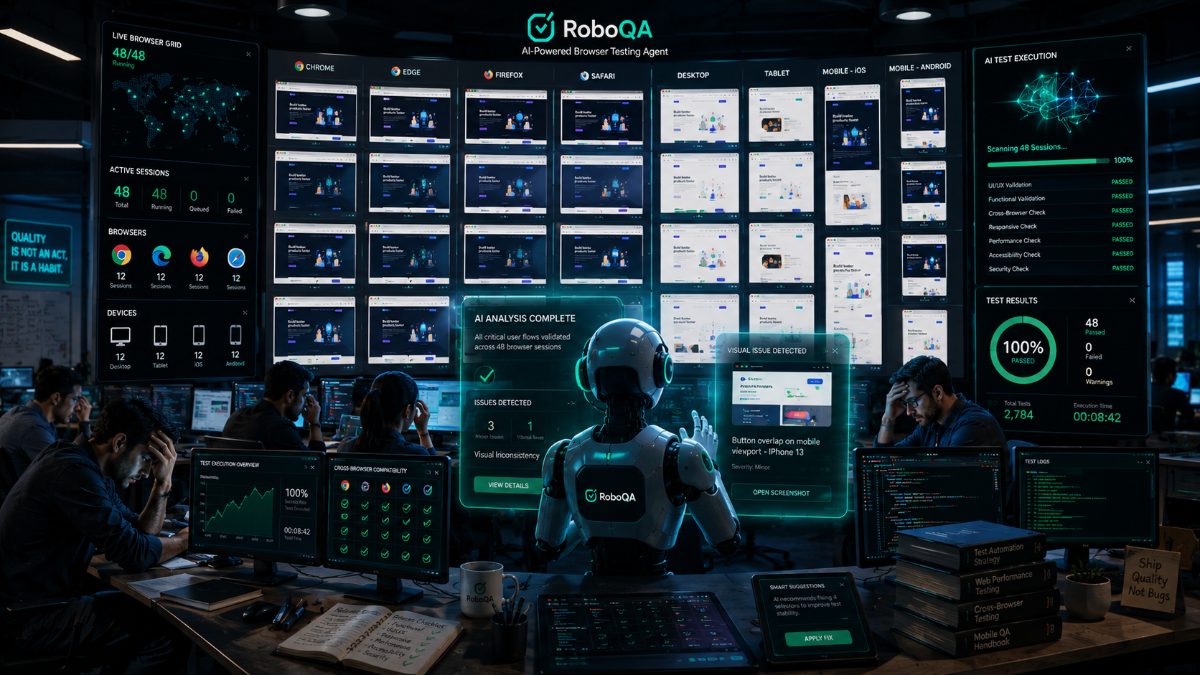
RoboQA enables QA teams to automate complete browser workflows using AI.
Simply describe what should happen.
RoboQA automatically:
- Executes browser actions
- Validates complete customer journeys
- Detects UI issues
- Finds broken workflows
- Captures screenshots
- Generates bug reports
- Measures performance
- Produces release confidence scores
Instead of maintaining automation frameworks, QA teams focus on delivering quality software faster.
---
Final Thoughts
Modern software isn't built from isolated pages.
It's built from connected experiences.
Customers expect every interaction—from registration to checkout—to work perfectly.
End-to-End Testing provides confidence that complete business workflows function correctly before every release.
Combined with AI-powered browser testing, it becomes faster, more reliable, and dramatically easier to maintain.
As software continues growing in complexity, AI-driven End-to-End Testing will become a standard part of every modern engineering team's release strategy.
FAQ
Frequently Asked Questions
What is End-to-End (E2E) Testing?
End-to-End (E2E) Testing validates an application's complete user journey from start to finish. Instead of testing individual features, it ensures that all components—including the frontend, backend, APIs, databases, and third-party integrations—work together correctly.
---
Why is End-to-End Testing important?
End-to-End Testing helps identify issues that only appear when multiple systems interact. It ensures customers can complete critical workflows like registration, login, checkout, payment, and profile management without failures.
---
What is the difference between Functional Testing and End-to-End Testing?
Functional Testing verifies individual features or functions independently.
End-to-End Testing validates complete business workflows involving multiple systems and user interactions.
---
Should End-to-End Testing be automated?
Yes.
Because End-to-End Testing is repetitive and often executed before every release, automation significantly reduces manual effort and increases release confidence.
---
Which browsers should be included in End-to-End Testing?
Critical workflows should be validated across:
- Google Chrome
- Mozilla Firefox
- Microsoft Edge
- Safari
- Android Chrome
- iOS Safari
This ensures users receive a consistent experience regardless of their device.
---
How does AI improve End-to-End Testing?
AI-powered testing platforms understand natural language instructions, automatically execute browser workflows, detect UI issues, capture screenshots, generate bug reports, and reduce automation maintenance compared to traditional script-based frameworks.
---
Can AI replace Selenium or Playwright?
AI doesn't necessarily replace Selenium or Playwright—it builds on the same browser automation concepts while eliminating much of the scripting and maintenance effort. QA engineers describe what they want to test, and the AI executes the workflow automatically.
---
How does RoboQA help with End-to-End Testing?
RoboQA enables QA teams to automate complete browser journeys using AI. It executes user workflows, validates expected behavior, detects bugs, captures screenshots, generates reports, and provides release confidence scores without requiring extensive automation scripts.
RoboQA CTA
Automate Complete User Journeys with RoboQA
Modern applications are too complex for repetitive manual testing.
With RoboQA, simply describe your testing scenario in natural language.
The AI automatically:
✅ Executes complete browser workflows
✅ Tests registration, login, checkout, search, dashboards, and profile management
✅ Detects UI issues and broken workflows
✅ Captures screenshots for every validation
✅ Generates detailed bug reports
✅ Measures application performance
✅ Provides AI-powered release confidence scores
Spend less time maintaining automation scripts and more time delivering quality software.
Start testing smarter with RoboQA.