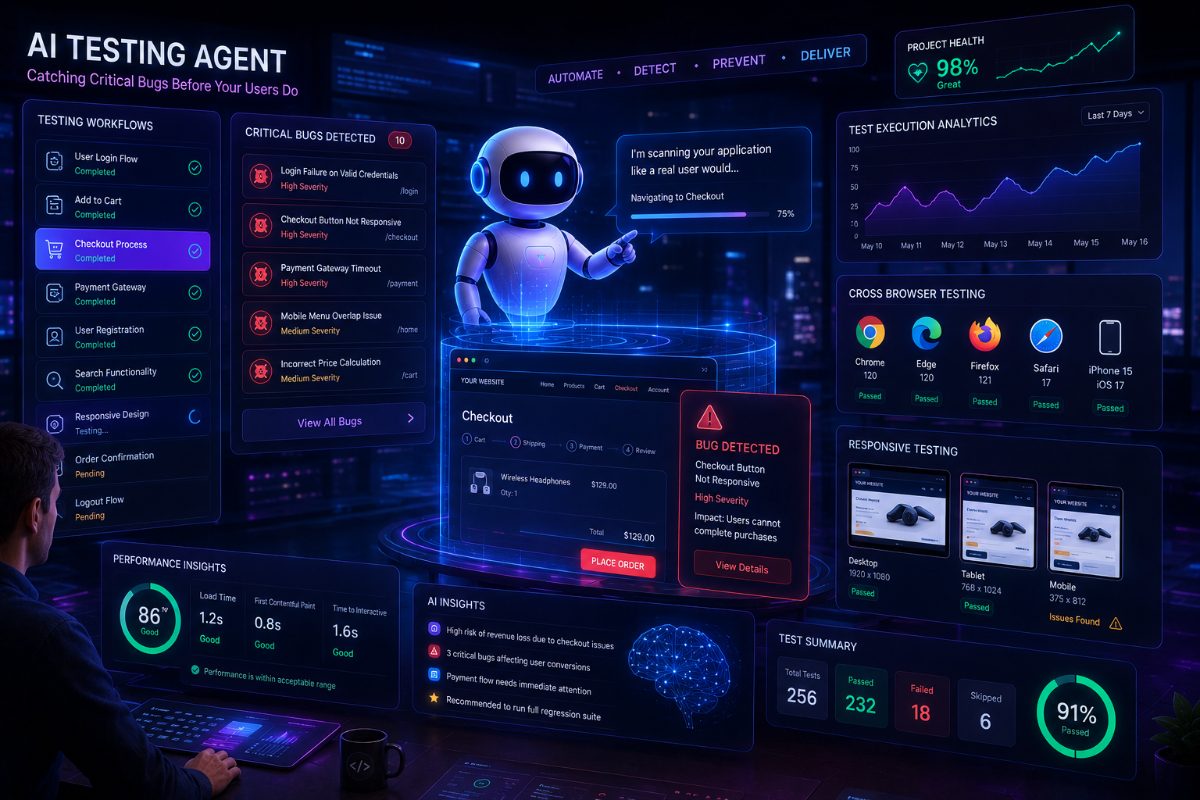
10 Website Bugs AI Testing Can Catch Before Your Users Do
No software is perfect.
Even experienced engineering teams occasionally release bugs.
The challenge isn't writing better code.
The challenge is finding problems before your users do.
Today's web applications change rapidly.
New features.
UI redesigns.
Backend updates.
Third-party integrations.
Every release introduces the possibility of unexpected issues.
That's why modern software teams are increasingly using AI-powered testing to catch problems earlier.
Let's explore ten common website bugs AI testing can help identify before they reach production.
---
1. Broken Login Flows
Authentication is often the first interaction users have with your application.
Small issues like:
- Login button not responding
- Invalid redirects
- Session failures
- Password validation errors
can completely block users.
AI testing continuously validates login workflows after every deployment.
---
2. Checkout Failures
For e-commerce websites, checkout problems directly affect revenue.
Examples include:
- Payment buttons not working
- Coupon codes failing
- Cart updates not saving
- Order confirmation pages breaking
AI agents can simulate complete customer purchases and verify successful completion.
---
3. Navigation Errors
Navigation changes happen frequently.
Sometimes:
- Menu links disappear.
- Buttons point to incorrect pages.
- Mobile navigation fails.
- Breadcrumbs become inconsistent.
AI browser testing validates complete navigation journeys.
---
4. Broken Forms
Forms are everywhere.
Registration.
Contact pages.
Support requests.
Lead generation.
AI testing checks:
- Required fields
- Validation rules
- Submission success
- Error messages
---
5. Responsive Layout Problems
Your users visit from:
- Desktop
- Laptop
- Tablet
- Mobile
A layout that works perfectly on desktop may break completely on smaller devices.
AI testing helps validate responsive behavior across different screen sizes.
---
6. Slow Page Performance
A page that technically works can still frustrate users.
Slow loading pages increase bounce rates.
AI testing tools can highlight unusually slow workflows that deserve attention before release.
---
7. JavaScript Errors
A page may appear normal while hidden JavaScript errors silently affect functionality.
These issues can impact:
- Buttons
- Dynamic content
- Interactive elements
- API requests
AI-powered browser testing helps surface unexpected client-side failures.
---
8. User Journey Breaks
Individual pages may work.
But complete workflows fail.
Example:
Registration works.
Login works.
Dashboard works.
Yet users cannot complete onboarding.
AI testing validates complete customer journeys instead of isolated pages.
---
9. Regression Bugs
One feature gets updated.
Another unexpectedly stops working.
Regression bugs are among the most expensive software defects.
Continuous AI testing helps identify these issues much earlier.
---
10. Unexpected UI Changes
Small UI updates can accidentally affect:
- Button placement
- Labels
- Icons
- Menus
- Interactive elements
Traditional automation often breaks when interfaces change.
AI-powered testing focuses more on user behavior than fixed scripts, making it better suited for evolving applications.
---
Why AI Testing Is Becoming Essential
Modern software moves faster than ever.
Weekly releases.
Daily deployments.
Continuous delivery.
Manual testing alone cannot keep up.
AI testing allows engineering teams to validate important workflows continuously without increasing manual effort.
---
How RoboQA Helps
RoboQA enables teams to automate browser testing using AI.
Instead of creating lengthy automation scripts, teams describe what they want to verify.
Examples:
"Verify user registration."
"Test checkout with discount."
"Validate navigation."
The AI agent performs the workflow, identifies issues, and generates actionable reports.
---
Final Thoughts
Users remember bad experiences.
Broken checkouts.
Failed logins.
Missing buttons.
Slow pages.
The earlier teams detect these problems, the more confident every release becomes.
AI-powered testing isn't replacing engineers.
It's helping them deliver better software with greater confidence.
RoboQA CTA
Catch critical website bugs before your users do.
RoboQA uses AI-powered browser testing to validate workflows, detect issues, and help engineering teams release with confidence.